Start AnyIdea for free
Completely non-binding and without time limits.


What are Trend Agents?
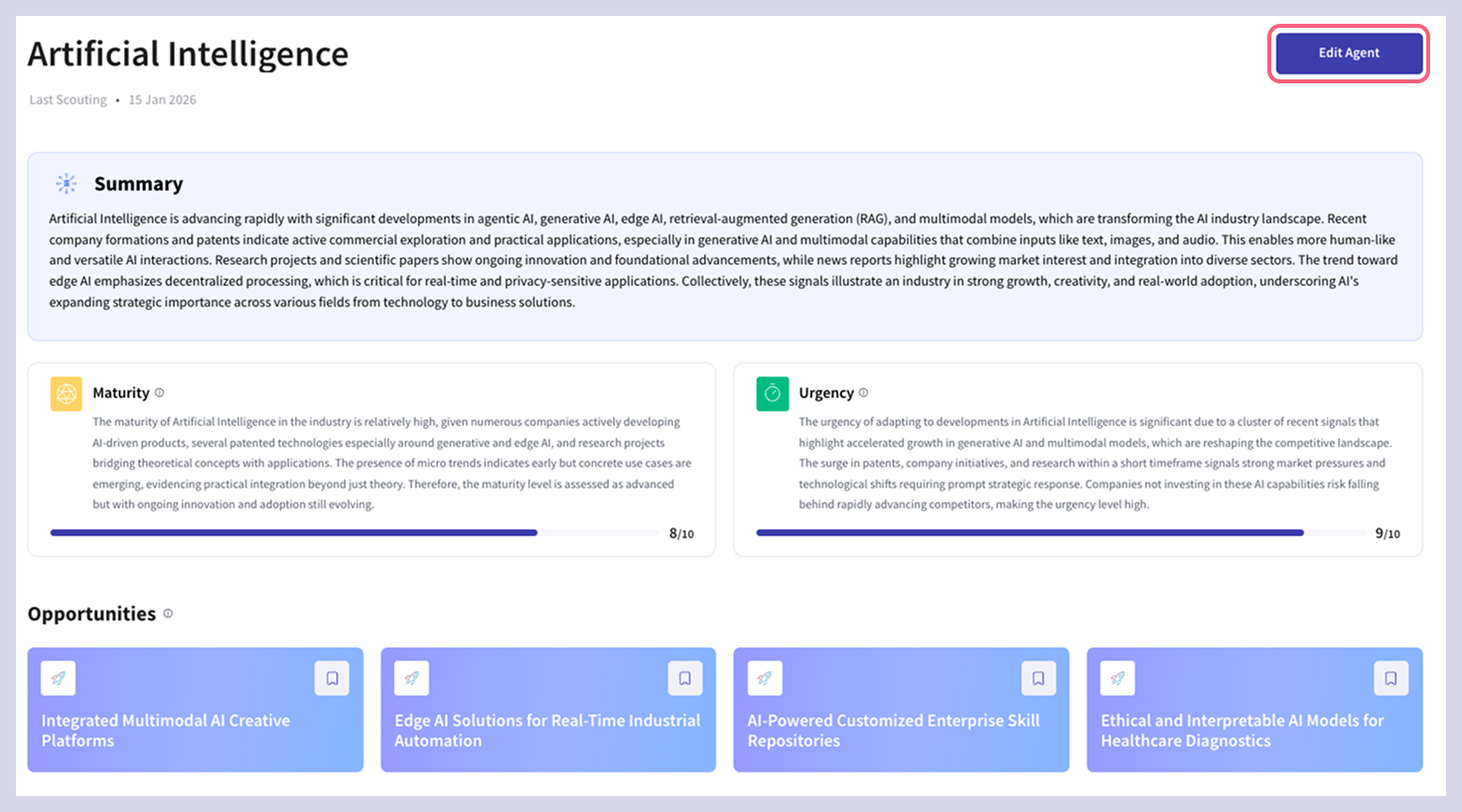
Trend Agents enable automated Trend and signal scouting. They crawl millions of data continuously, find The most important developments for your company, on a specific topic or a technology of interest, monitor it and inform you about relevant updates.
With a topic or a specific question, you give the Trend Agent and our specially developed artificial intelligence (SynthAI) a specific direction and orientation in which context data is viewed and analyzed. Based on this, they specifically identify the most important Trends and signals on a topic and prioritizing the results according to their relevance.
For instance, you can create dedicated Trend Agents for topics such as 'Alternative Materials & Sustainability' or 'The New Way of Work.' Whether it’s for product management, HR, or R&D, Trend Agents adapt to any field. Simply send one or more Agents on a mission across different sectors and watch them deliver insights tailored to your needs.

Find out more about optimizing scouting results here.
Trend Agents update automatically every two weeks, delivering the latest trends and signals straight to your inbox.
For immediate updates, you can manually refresh the Agent by clicking Edit Agent and then Scout.
This also allows you to refine your scouting question if needed - clicking Scout will then recalculate the Agent based on your new topic.
Further information:
Completely non-binding and without time limits.